Taking notes during a meeting means you’re not fully present in the conversation. Interpret AI solves this by generating structured notes automatically from your live transcript.
How It Works
Start a transcription session during your meeting — from the browser or the desktop app. Interpret AI transcribes everything in real time with automatic speaker differentiation, so you know exactly who said what.
Then, with one click, the AI generates structured notes from the full transcript.
Note Formats
Interpret AI offers multiple note formats, each designed for a different use case:
Meeting Notes
A structured summary with agenda items, key discussion points, decisions made, and action items — the format most people need after a standard team meeting.
To-Do Lists
Extracts tasks and action items from the conversation, organized with dependencies and ownership. Great for sprint planning or project check-ins.
Q&A Logs
Captures the key questions raised during the meeting and the answers given. Perfect for training sessions, onboarding calls, or product demos.
Follow-Up Email Drafts
Generates a professional email summarizing what was discussed and the next steps — ready to send to participants or stakeholders who couldn’t attend.
The AI Chatbot
Beyond structured notes, Interpret AI includes an AI chatbot that understands the full context of your transcript. You can ask it:
- “What were the main decisions made in this meeting?”
- “Summarize what Sarah said about the timeline”
- “List all the action items mentioned”
- “What questions were left unanswered?”
The chatbot provides suggested prompts based on your transcript content, so you don’t have to think of what to ask.
Review with Audio Playback
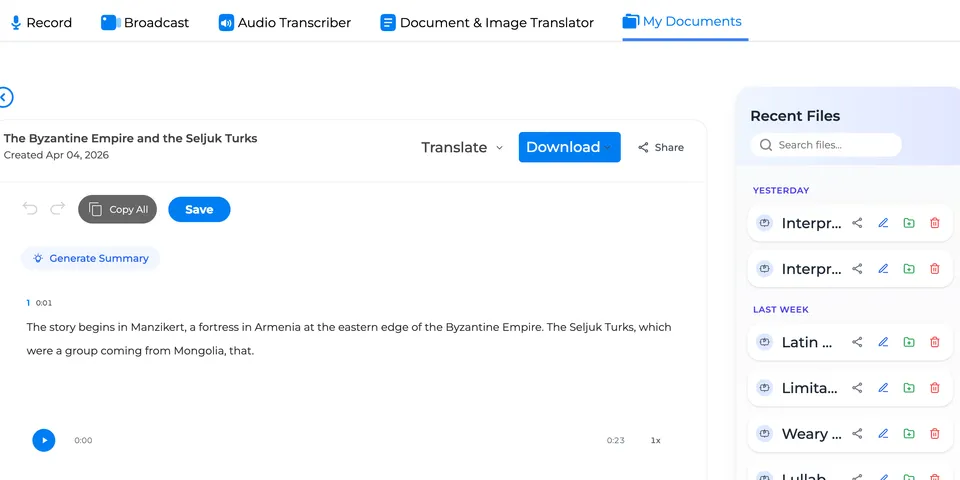
After the meeting, open the transcript in the editor. Click any word to hear that exact moment in the recording — powered by word-level timestamps. This is invaluable when the AI summary captures a decision but you want to hear the nuance of how it was discussed.
Who Uses This
- Product managers who run multiple meetings daily and need structured follow-ups
- Team leads who need to share decisions and action items with absent members
- Consultants who need accurate records of client conversations
- Students who want organized notes from lectures and study groups