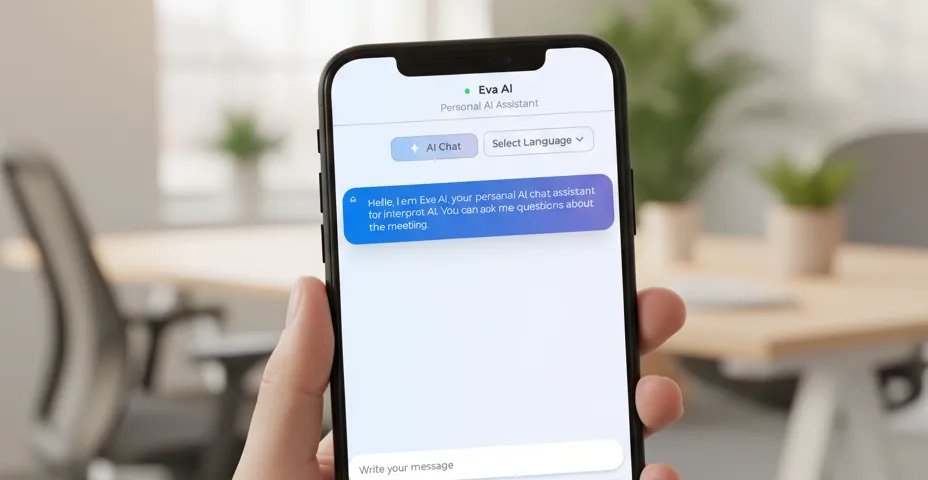
A one-hour meeting generates thousands of words. Finding what you need in that wall of text takes time. The Interpret AI chatbot lets you ask questions about your transcript and get instant, context-aware answers.
How It Works
After a transcription session (live or from an uploaded file), open the AI chatbot. It has full context of the transcript — every word, every speaker, every timestamp. Just ask what you need.
What You Can Ask
Summaries
- “Summarize this meeting in 3 bullet points”
- “What were the main topics discussed?”
- “Give me a one-paragraph summary for an email”
Decisions and Action Items
- “What decisions were made?”
- “List all action items and who’s responsible”
- “What deadlines were mentioned?”
Specific Information
- “What did Sarah say about the Q3 budget?”
- “When was the product launch date mentioned?”
- “What were the concerns raised about the new feature?”
Analysis
- “What questions were left unanswered?”
- “Were there any disagreements? About what?”
- “What follow-up meetings were scheduled?”
Suggested Prompts
Don’t know what to ask? The chatbot provides suggested prompts based on the content of your transcript. It analyzes what was discussed and offers relevant questions you might want answered.
Works with Speaker Context
Because Interpret AI uses real-time speaker differentiation, the chatbot knows who said what. You can ask speaker-specific questions:
- “Summarize everything the client said”
- “What questions did the interviewer ask?”
- “What was the CEO’s main point?”
Verify with Audio
When the chatbot surfaces an important quote or decision, you can verify it instantly. Open the transcript editor, find the passage, and click any word to hear the original audio with word-level timestamps. Trust but verify.
Live and After the Fact
The chatbot works both during a live session and after. During a meeting, ask it to “summarize what’s been discussed so far.” After the meeting, use it to generate follow-up emails, extract action items, or find specific information without re-reading everything.
Use Cases
- Executives who attend back-to-back meetings and need quick summaries
- Students who want to extract key concepts from a lecture
- Researchers analyzing interview transcripts for themes
- Legal professionals searching depositions for specific statements
- Anyone who records conversations and doesn’t want to re-listen to the whole thing