After a meeting, lecture, or event, you often need to share what was said with people who weren’t there. Interpret AI makes this simple with public transcript sharing.
How Sharing Works
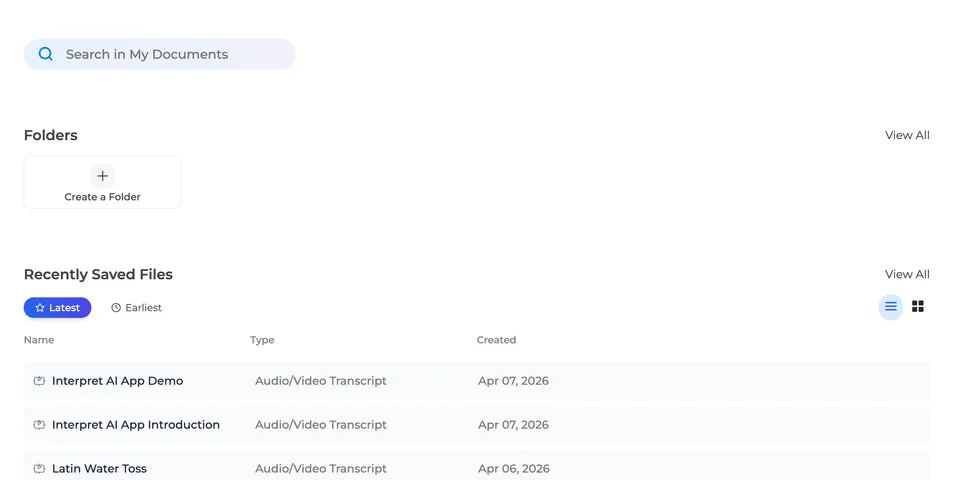
- Open any saved transcript in your Documents
- Click Share to generate a public link
- Send the link to anyone — they can read the full transcript without creating an account
- Optionally include the audio recording so recipients can listen along
That’s it. No invitations, no accounts, no access requests.
What Recipients See
When someone opens your shared link, they get a read-only view of the transcript with:
- Full text with speaker labels identifying who said what
- Timestamps showing when each segment was spoken
- Audio playback (if you chose to include it) — synced to the transcript with word-level precision
- Clean, readable formatting — no app chrome or login prompts
Control Who Sees What
- Revoke access anytime — click “Stop Sharing” and the link stops working immediately
- Share selectively — each transcript has its own link, so you control exactly what’s shared
- Private by default — nothing is shared until you explicitly generate a link
Use Cases
After a Meeting
Share the transcript with team members who couldn’t attend. They get the full conversation with speaker labels — better than secondhand meeting notes.
Client Deliverables
Consultants and agencies can share polished transcripts with clients as part of their deliverables. Include audio so clients can verify key moments.
Academic Collaboration
Students and researchers can share lecture transcripts with classmates or collaborators. The word-level timestamps let recipients click any passage to hear the original audio.
Event Follow-Up
After a conference talk, workshop, or church service, share the transcript with attendees. They can review it in their own time, or translate it into their preferred language.
Translated Sharing
Before sharing, you can translate the transcript into any of 70+ languages. The shared link includes the translation alongside the original — useful for international teams or multilingual audiences.